
01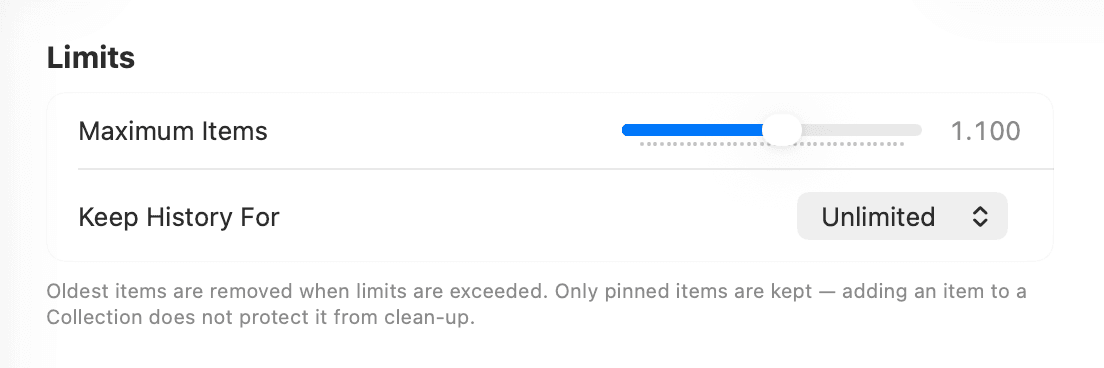
Keep what matters.
Choose how long clipboard history is kept and how much to store. Pastium prunes the rest automatically.
Every text, link, image, color, file, and line of code. One shortcut away.
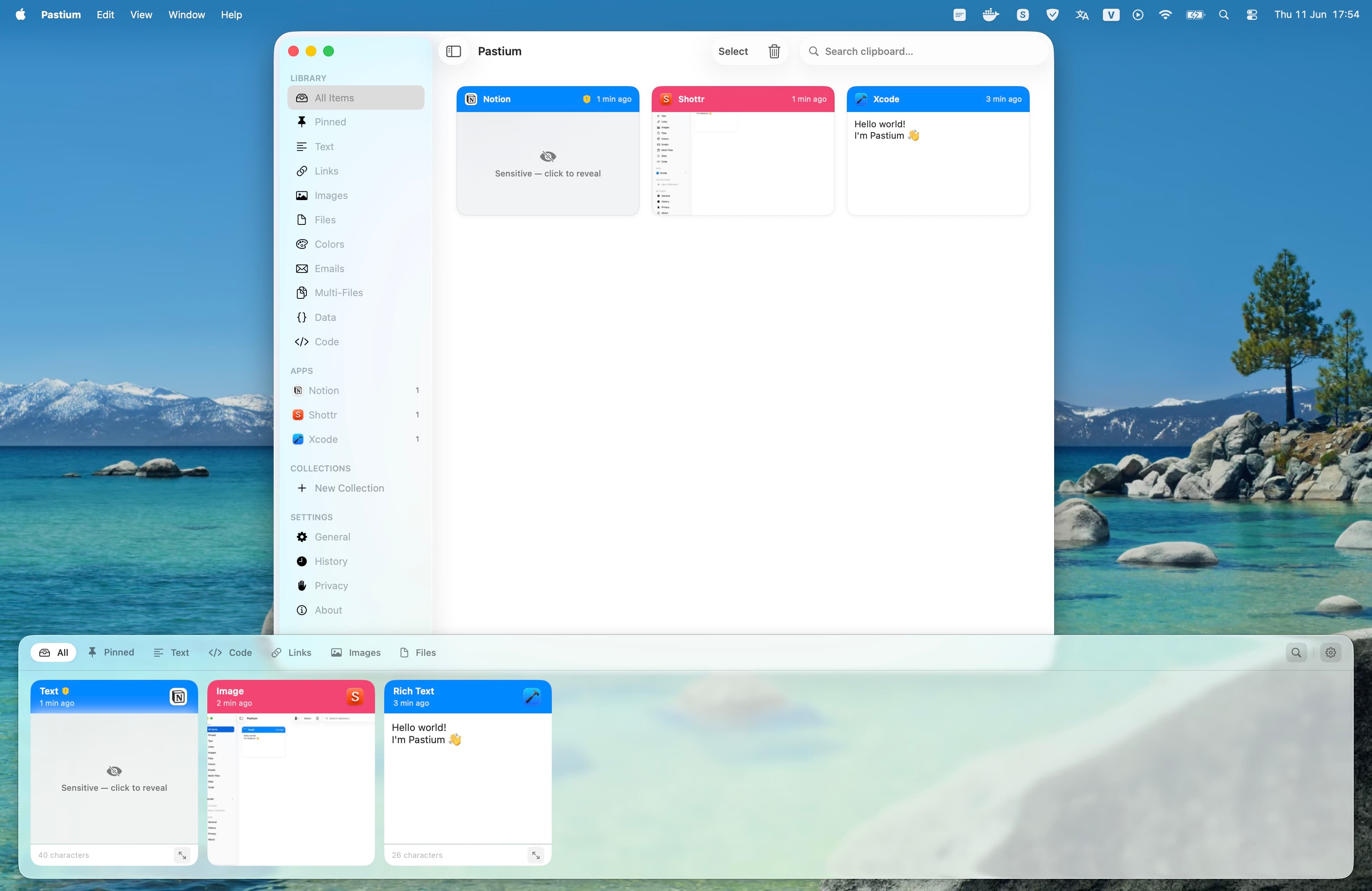
Settings
Choose how long clipboard history is kept and how much to store. Pastium prunes the rest automatically.
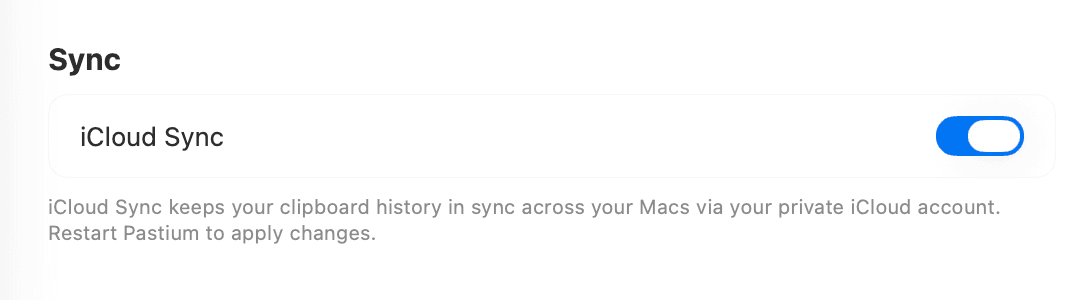
Turn on iCloud Sync to carry your history between Macs, encrypted end to end.
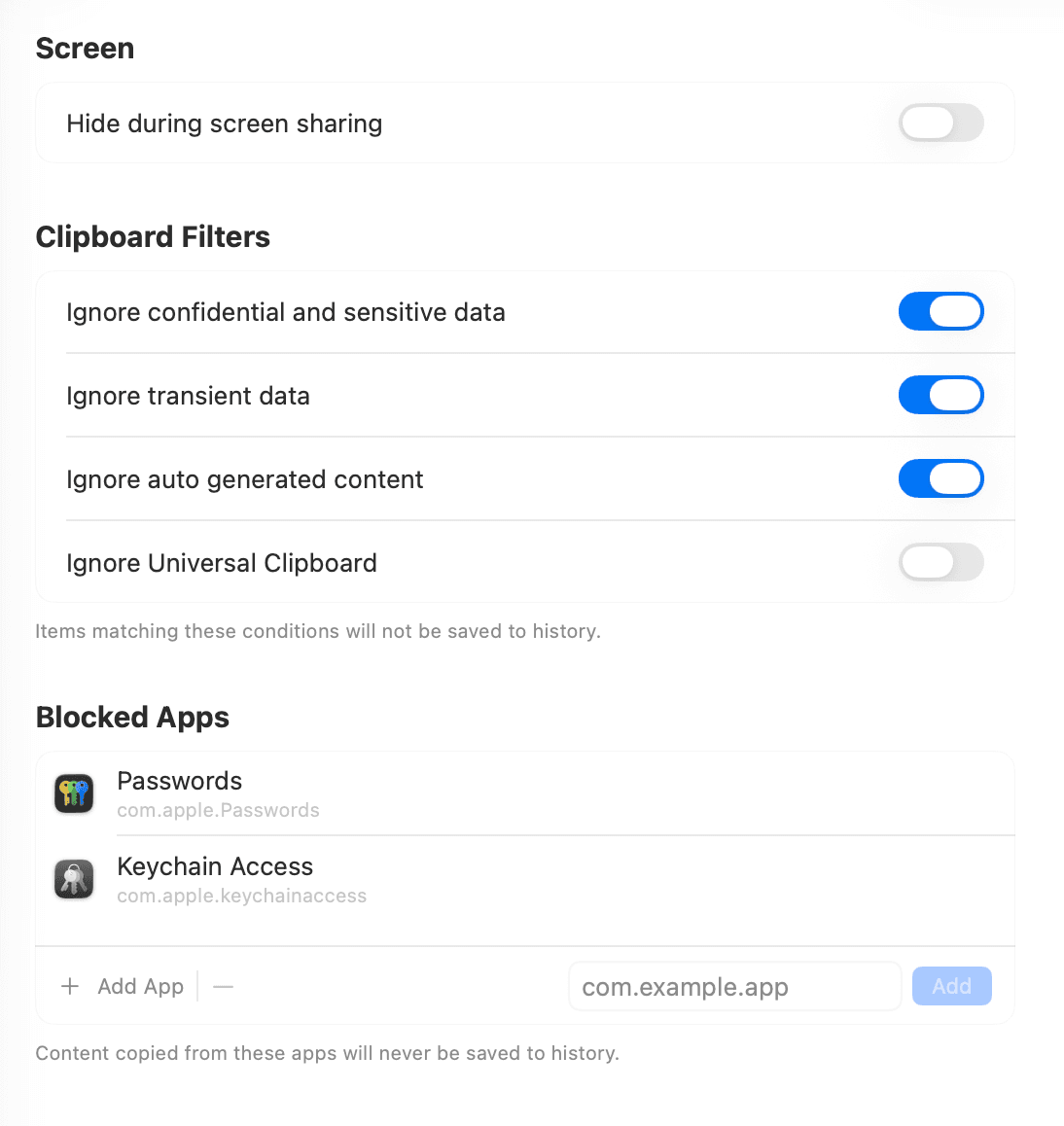
Skip password managers and sensitive apps, and clear stored data whenever you choose.
One memory for everything
Language badges, link domains, live color swatches, and sensitive-data warnings appear automatically.
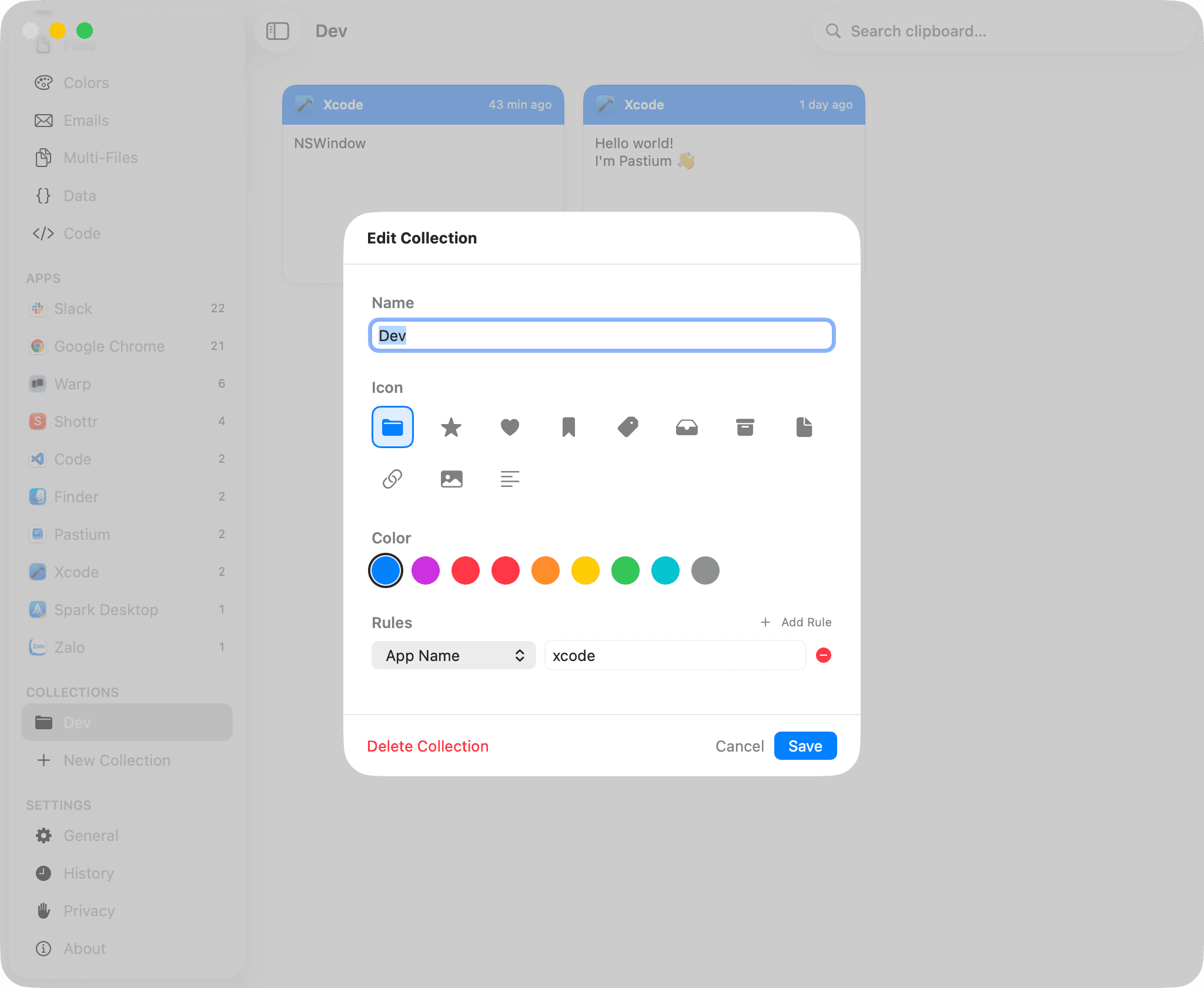
Rules quietly collect related snippets by app, domain, extension, or content type.
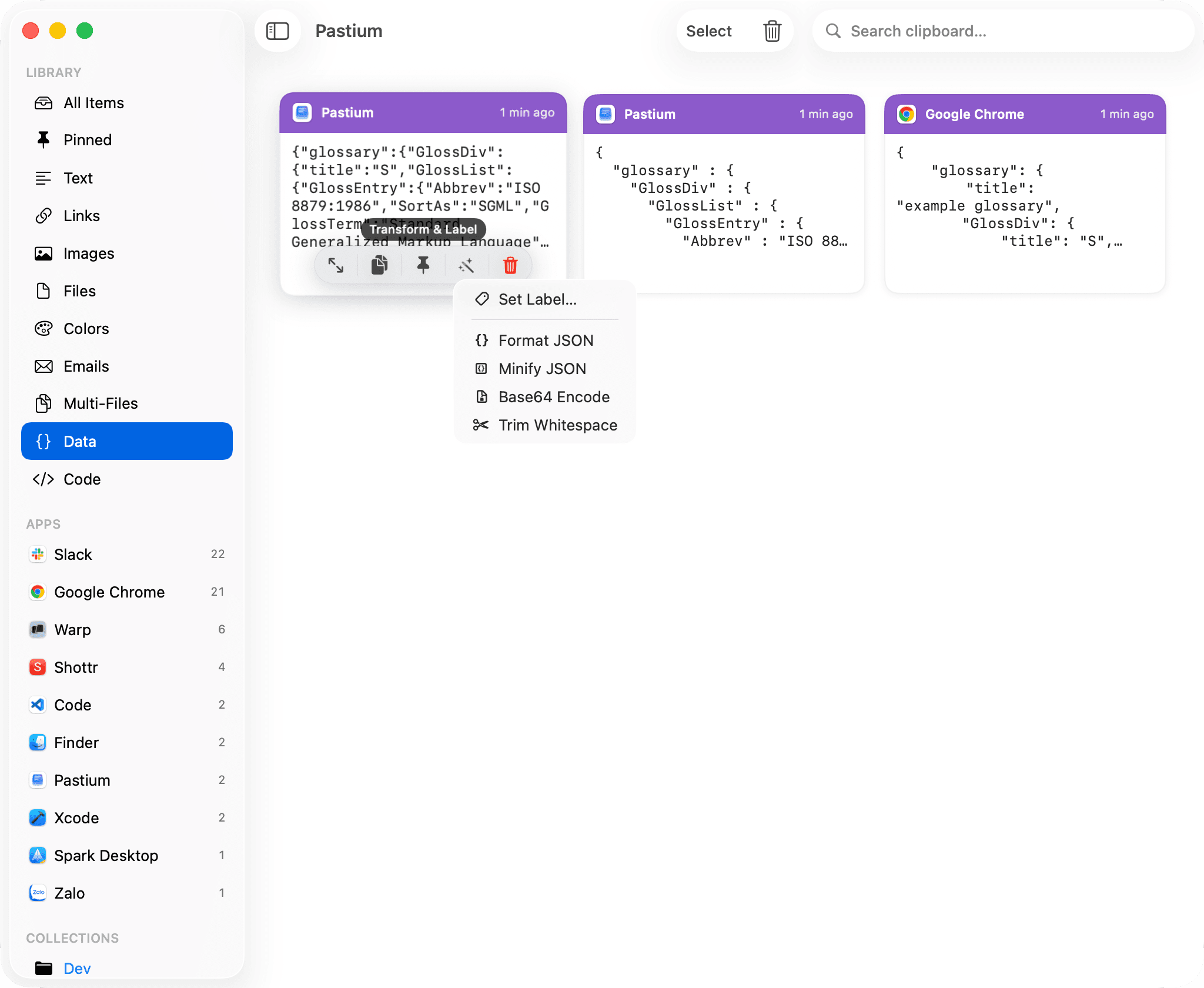
Format JSON, encode URLs, change case, trim whitespace, and paste the result.
Smart detection
Pastium recognizes what you copied and presents the useful details before you ask: language, domain, color, file type, or a warning for sensitive content.
 Google Chromein 0 sec
Sensitive content
Passwords and secrets stay hidden until you choose to reveal them.
 Finder22 sec ago
Visual preview
Screenshots and snippets show a live thumbnail at a glance.
Google Chrome1 min agohttps://github.com/
Links
URLs are recognized and ready to open or paste.
Google ChromeSwift24 min agoprivate struct AssociatedKeys {
static var <#name#> = "<#name#>"
}Code
Syntax-aware, with the language detected automatically.
Google Chrome18 sec agoColors
Hex and RGB values come with a reusable swatch.
Finder38 sec ago2 files: main-window.png, limit.png
Files
Copied files are grouped with their names and types.
 Xcode2 min ago
Hello world!
I'm Pastium 👋
Plain text
Anything else is captured as clean, ready-to-paste text.
Text tools
Transform content before it lands. Format JSON, use Base64, encode URLs, change case, remove whitespace, or sort lines without opening another tool.
Smart Collections
Set a rule once. Pastium keeps related clipboard items together by app, content, URL domain, file extension, or detected type.
Private by design
History stays on your Mac. Confidential data can be ignored automatically, sensitive content is flagged, and any app can be blocked. Optional sync uses your private iCloud.
Pastium Pro
$0forever
Everything you need to get started.
Included in Pastium
$2.99/ month
One week free, then $2.99/month. Cancel anytime.
Side by side
| Feature | Free | Pro |
|---|---|---|
| Storage & history | ||
| Maximum saved items | 50 | Unlimited |
| History retention | 1–7 days | 1 day – 1 year |
| iCloud Sync across Macs | ||
| Organization | ||
| Collections | ||
| Import & Export history | ||
| Actions & Quick Panel | ||
| Double-click action | Copy only | Copy or Paste |
| Auto-scroll to card on click | ||
| Reset scroll position on open | ||
In every plan
These come with Pastium out of the box — no subscription needed.

Pastium is fast, private, and native to your Mac.
Download on the App StoreRequires macOS 14 or later